Cross-Platform Sharing Made Simple
Transfer files seamlessly between iOS, Android, macOS, and Windows devices on the same network.
Transfer files seamlessly between iOS, Android, macOS, and Windows devices on the same network.
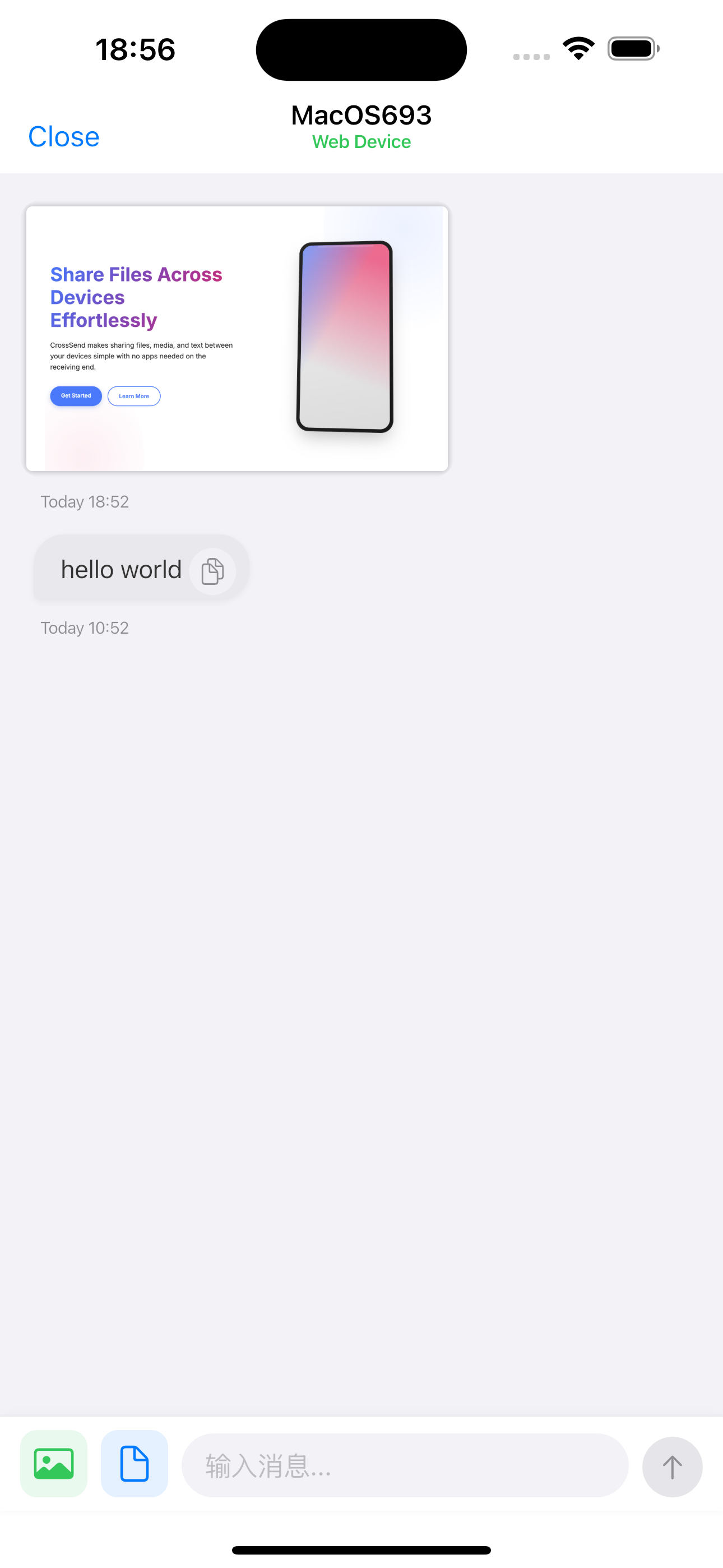
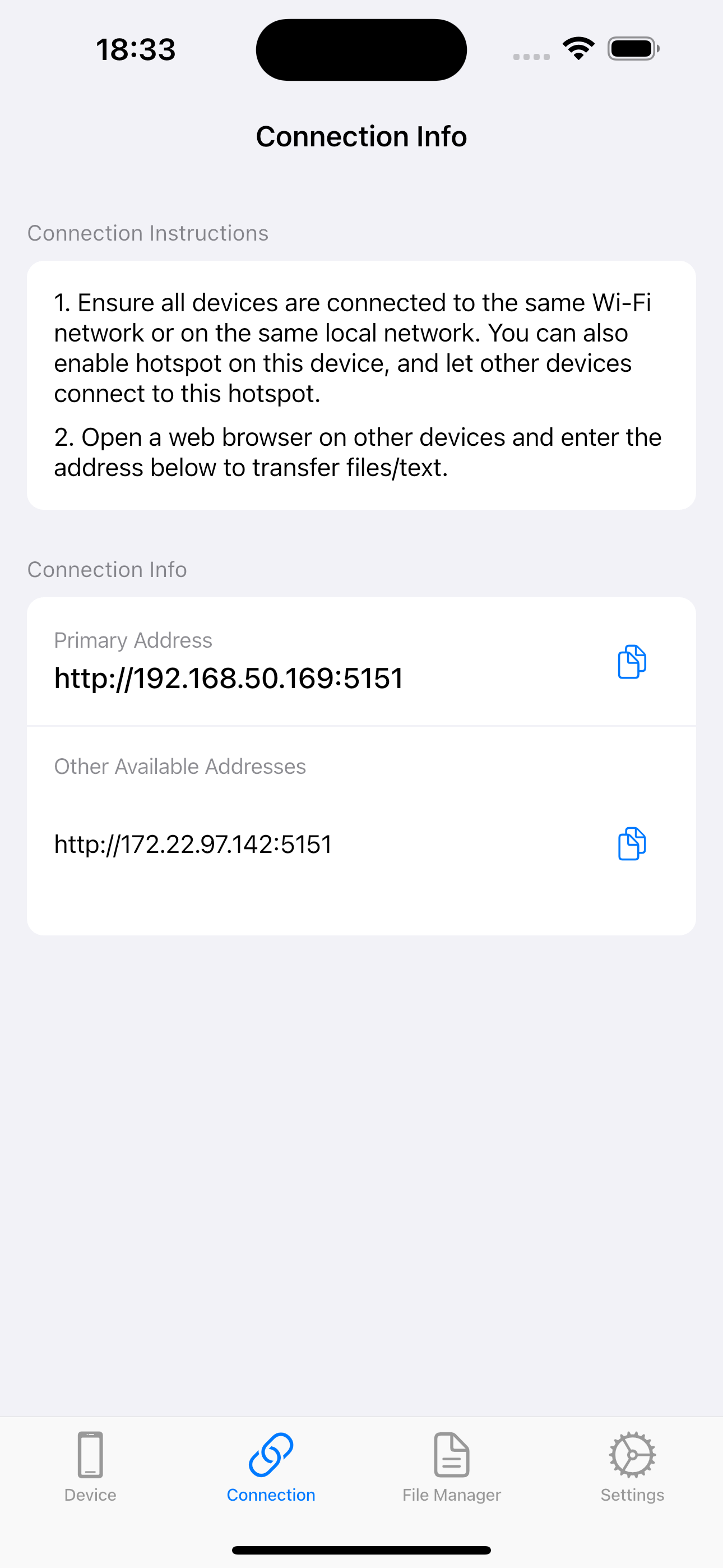
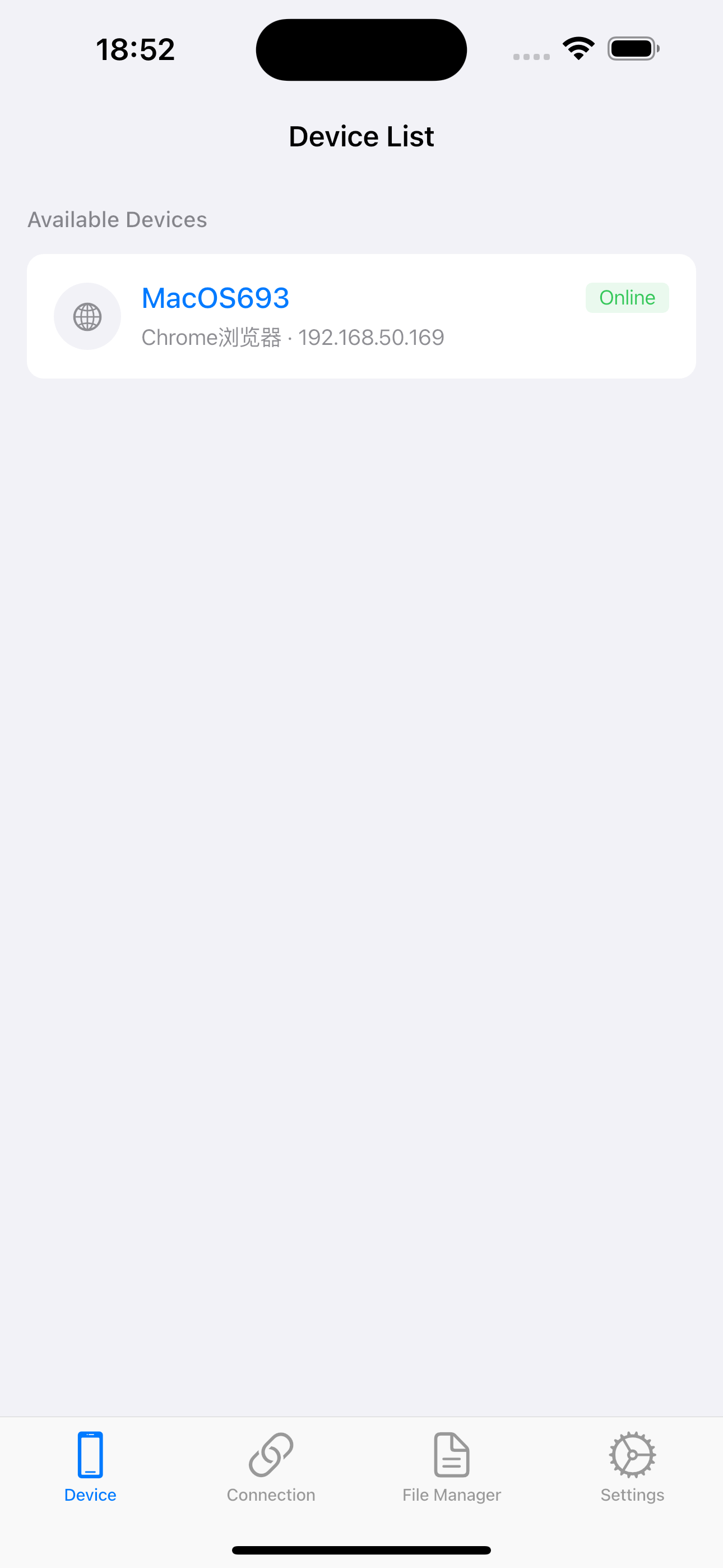
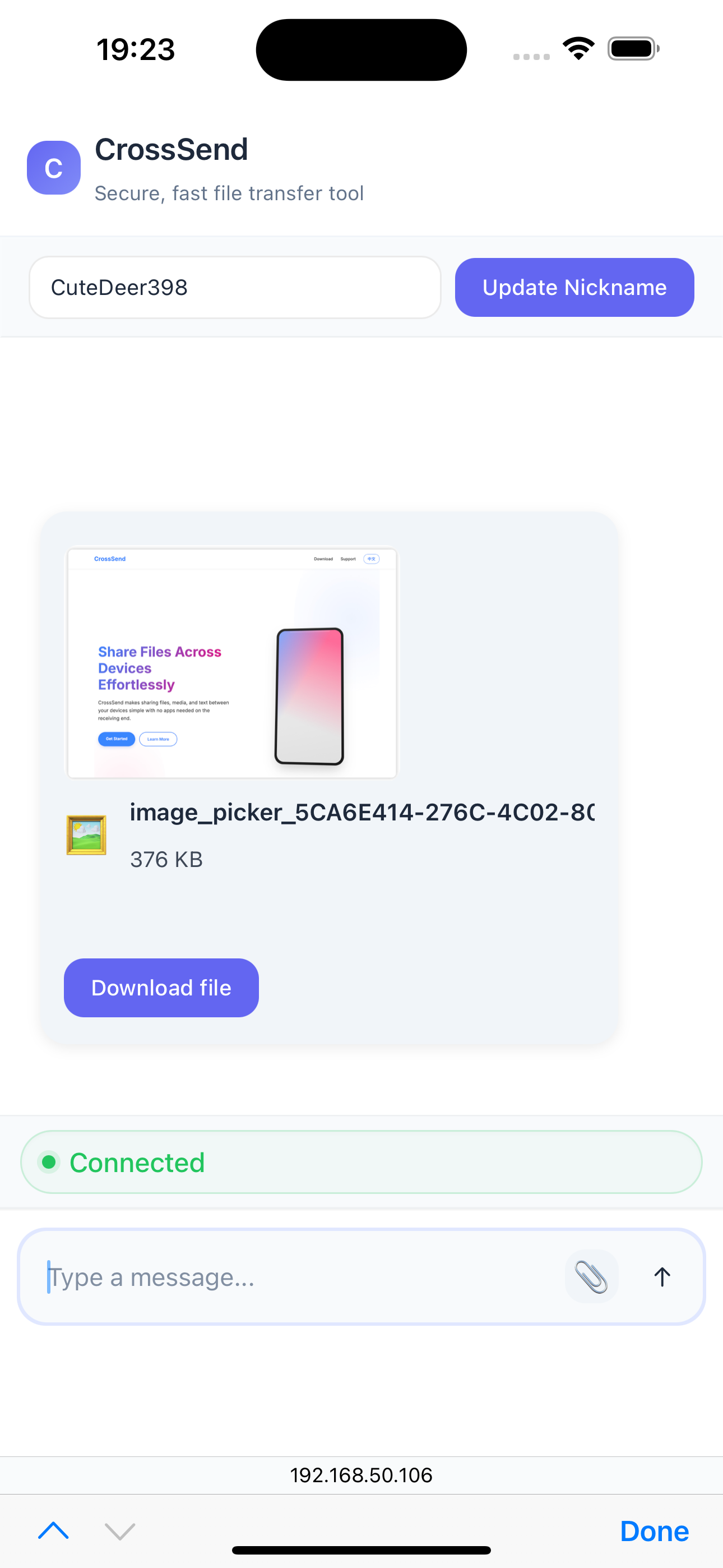
Choose your device to start transferring files
For other questions, please contact us via email
CrossSend establishes direct connections between devices using your local network. Your files never pass through external servers, ensuring privacy and speed.
No! CrossSend only uses your local WiFi network. As long as devices are on the same network, you can transfer files without internet access.
CrossSend supports all file types including images, videos, documents, archives, and more. There are no file size limits.
Simply open CrossSend on both devices, and they will automatically discover each other. Select the files you want to send and tap send.